

How to sell gift cards
Last updated December 10, 2025
Selling gift cards is a powerful way to generate more traffic to your business. It gives your customers and fans the ability to give the gift of your products!
There are 2 ways to sell gift cards on Hotplate: on your Storefront, and on the menu of an Event. Read on to learn how to activate each type and to understand how they differ.
Sell gift cards on your Storefront
- Go to Settings —> Storefront
- Toggle on "Allow customers to buy gift cards on my storefront"

How it works for your customer:
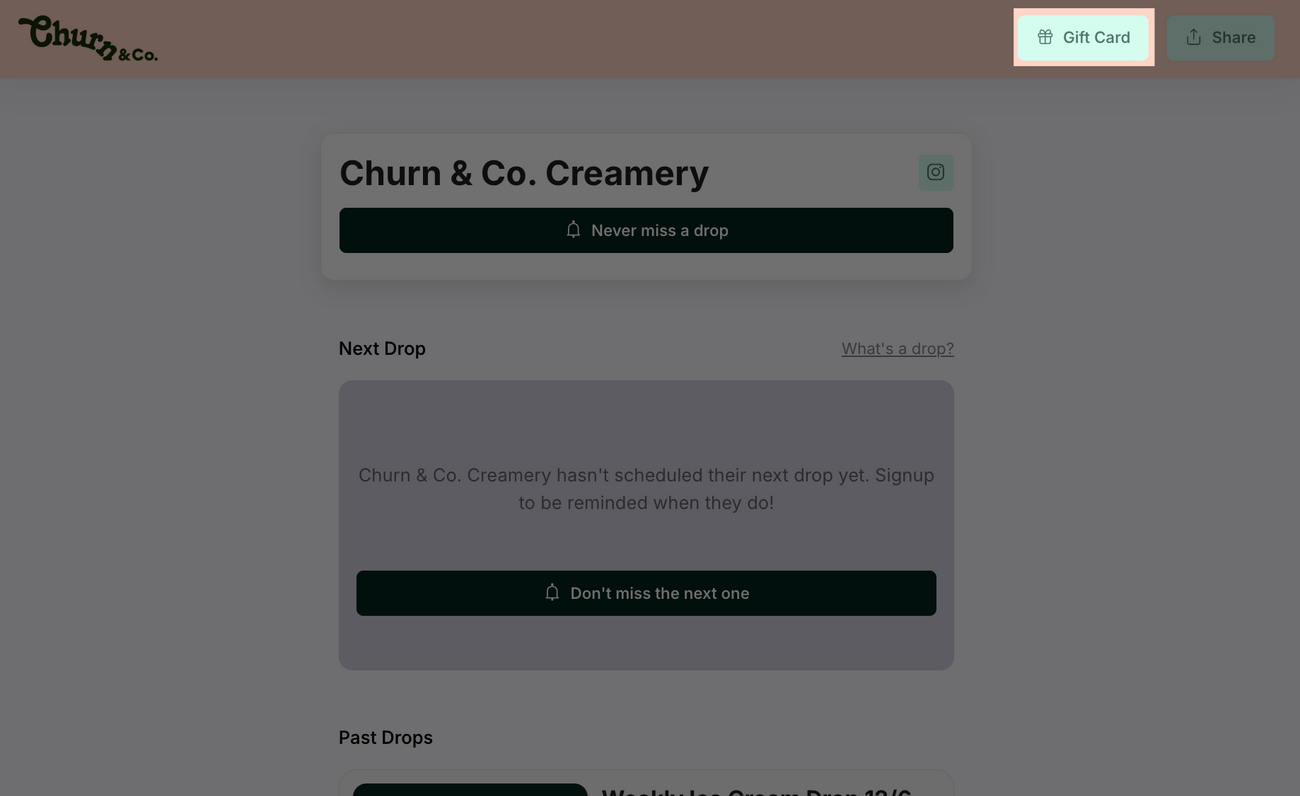
- The gift card buyer clicks 'Gift Card' in the top right of your storefront
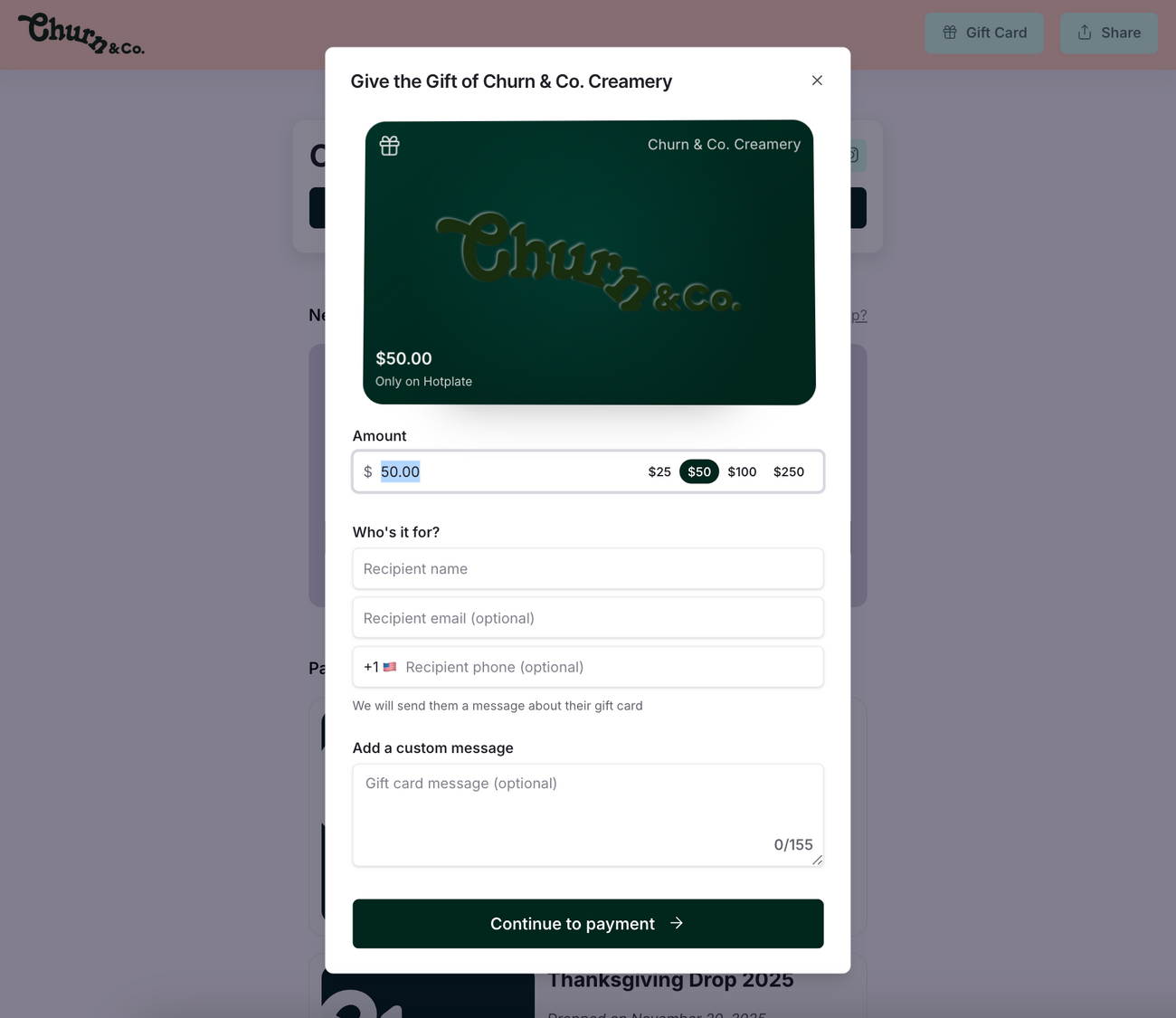
- They'll select an amount, fill in the recipient's contact info, hit Continue to payment, and pay.
- The recipient gets a text and email with their gift card.
- The recipient applies the code at checkout in the 'discount code or gift card' field. They'll automatically receive a text with the remaining balance.
- You'll get a text notification when a customer buys a gift card from your storefront!
Sell gift cards through an Event
You can enable gift cards for sale on the menu of your drop!
- Go to the Menu tab of your event
- Toggle on Add Gift Card to Menu and Publish all changes. That's it - gift Cards will automatically be added!

Gift Card will be listed at the bottom of your menu.
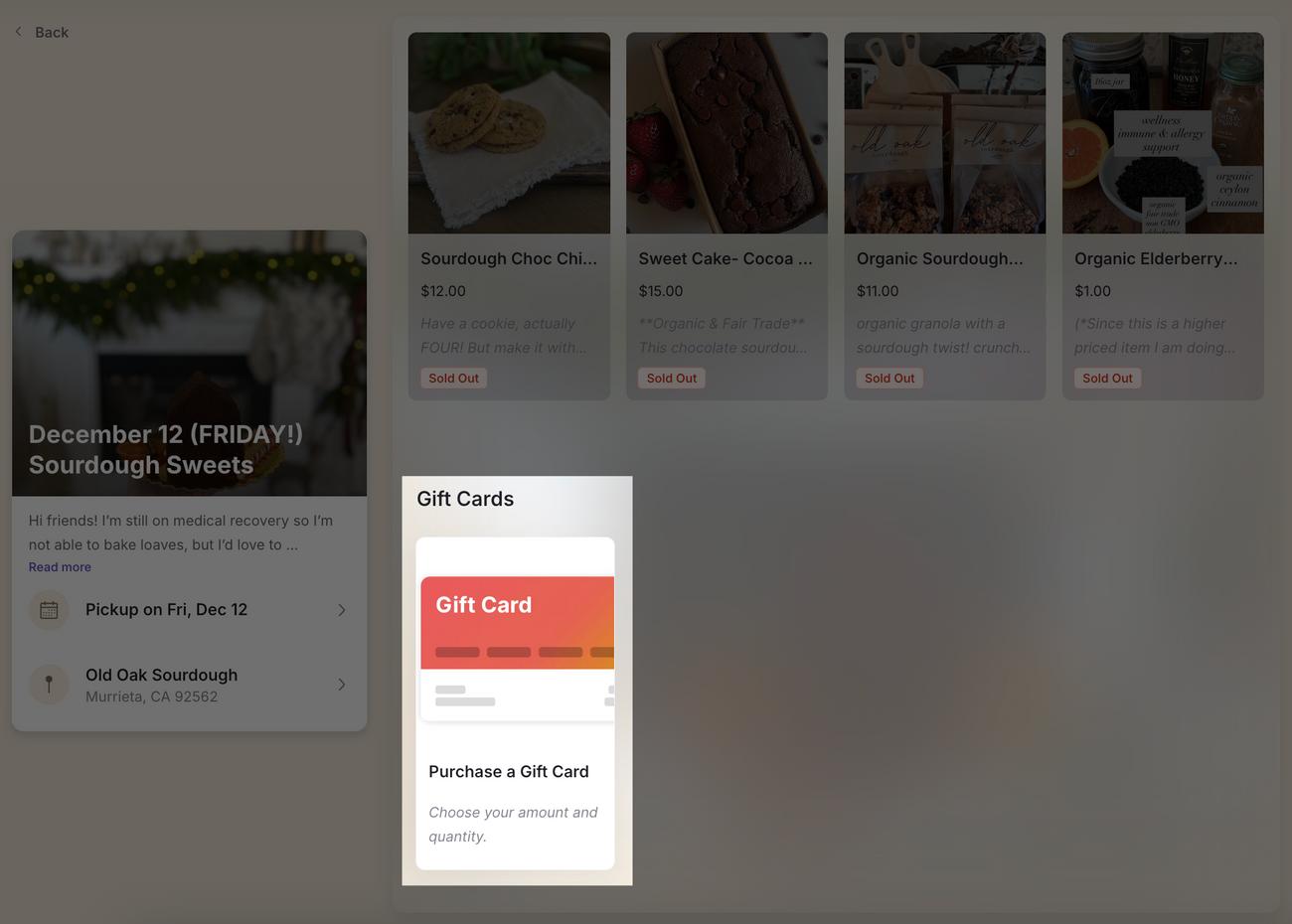
Note: this gift card graphic isn't customizable at the moment.
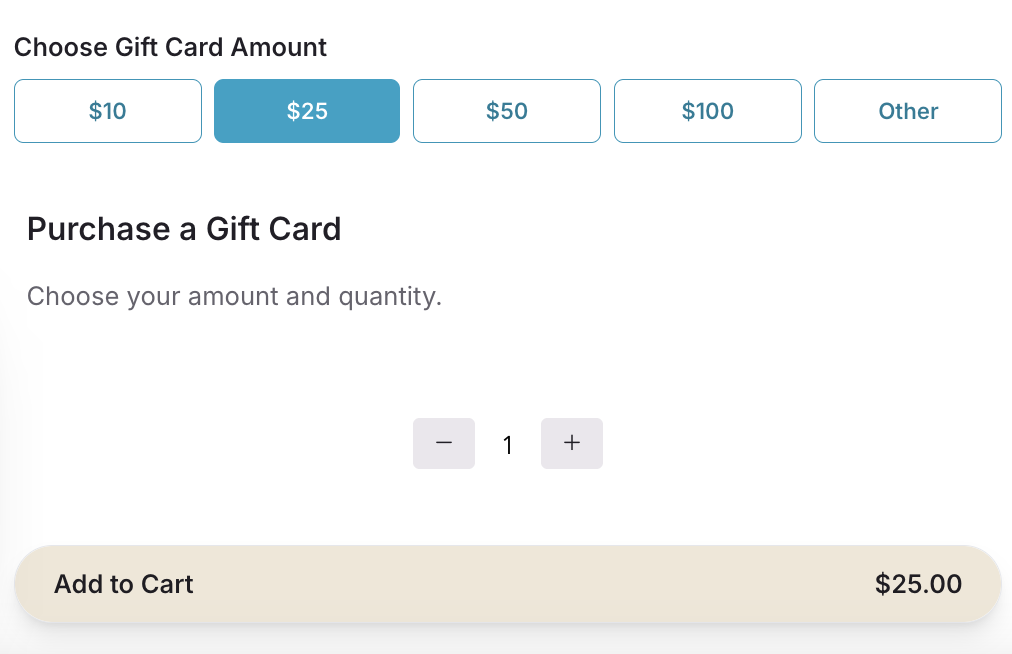
Customers can select a preset amount or "Other" to input a custom value:
The gift card appears alongside other items in checkout and on the buyer's order confirmation.
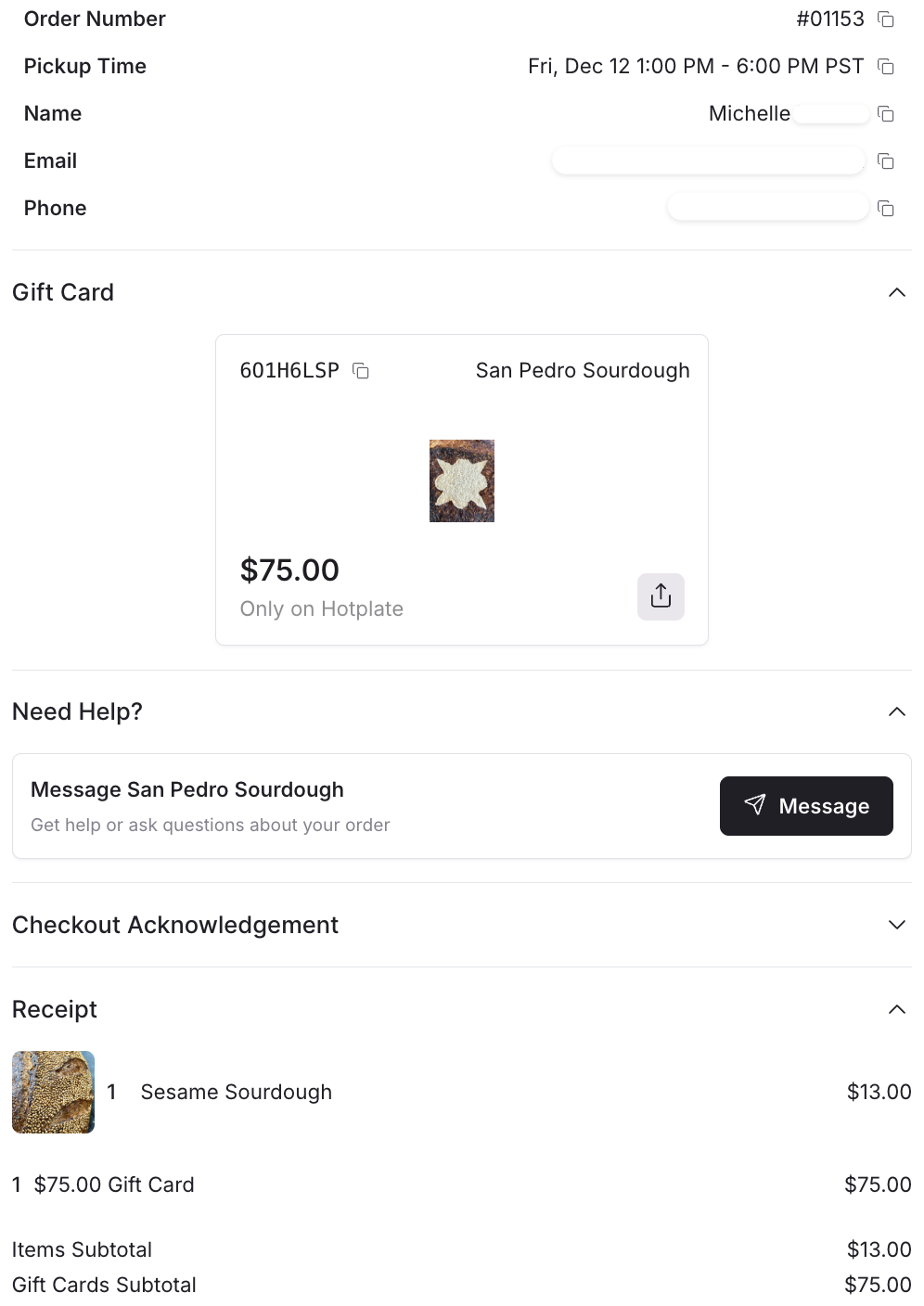
You can click into the order's Receipt & Refund to view the gift card.
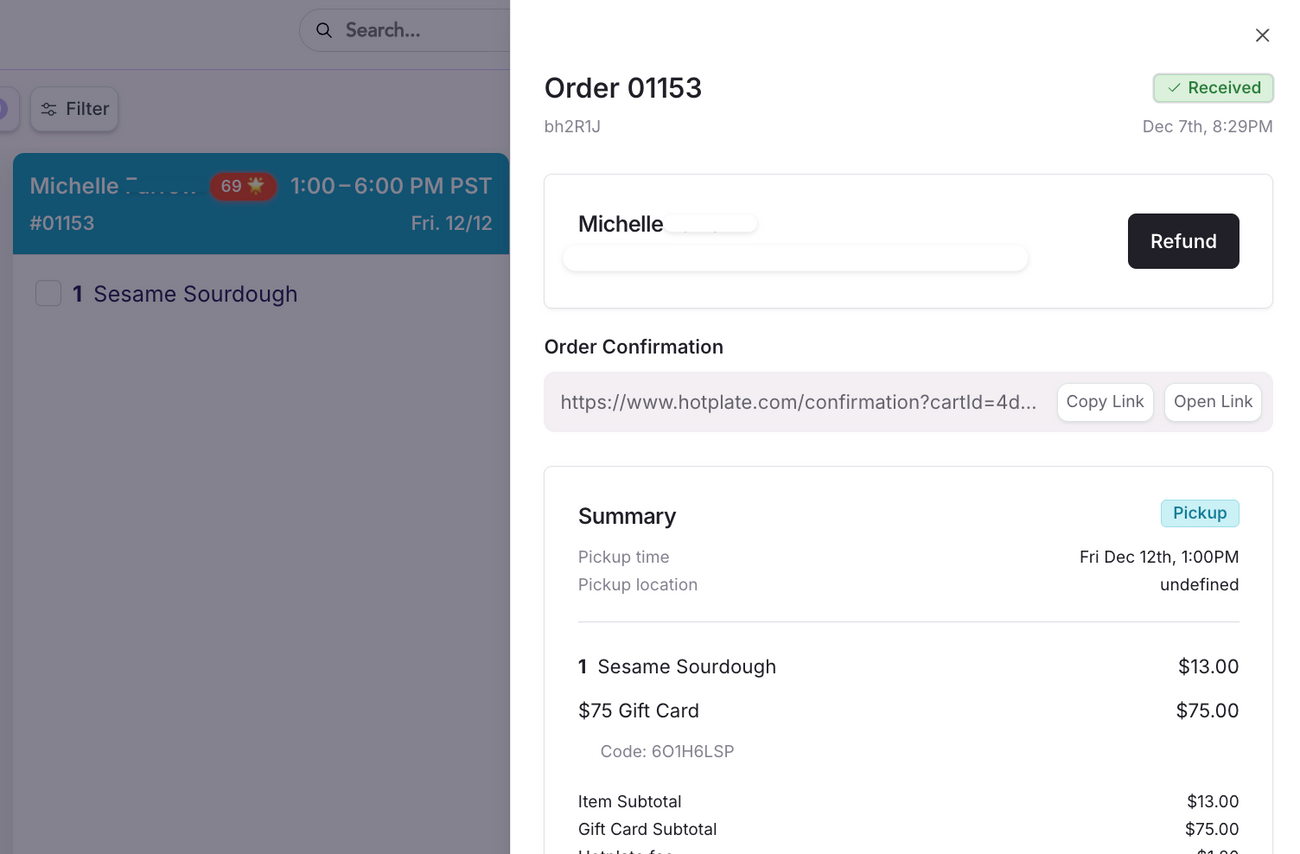
Note: you won't receive a separate text notification when a gift card is purchased as a menu item through an event. The only way for you to view the gift card is to check the order's Receipt. We are working on making the menu item gift card experience more similar to the storefront gift card experience!